
Tripura Mouza Map Joiner
Join multiple Mouza Map sheets into one map.
Download your Mouza map sheets from Jami Tripura, then join as many as you need: several Plot (Dag) numbers, their subdivisions, even two Mouzas, into one print-ready map.
Any number of sheets, same price · nothing uploaded
Ratings & reviews from real map joins
Combined four village map sheets on my phone in minutes
The editor worked perfectly on my phone. I uploaded the four adjacent survey sheets (S1, S2, S3, S4), aligned the edges where they meet, and exported a single print-ready map in minutes — no office visit and no surveyor needed. Best of all, the sheets stayed private on my phone the whole time. Simple, fast and accurate.
Joined my own FMB sheets in the editor — nothing to install
I downloaded my village map and FMB sketches and used the in-browser editor to join them myself. I just dragged each sheet onto the canvas and nudged the pieces with the arrow keys until the boundary lines lined up exactly. There was no software to install, and the maps never left my device. One payment covered the whole thing, and the export came out clean and sharp. Brilliant tool!
Got my combined FMB from home — no office visits needed
VillageMapJoiner made joining my land's FMB sketches really easy — I got the combined map from home without running to any office. When I asked for the old FMB, they clearly guided me that it's available at the District Collector office. Good service.
Incredible service for peace of mind!
I used this website to get a Joined FMB map, and the entire experience was seamless and fast. By combining individual sketches into one continuous view, it clearly illustrates how my property lines interact with adjacent plots. Having this definitive, highly accurate map leaves zero room for arguments and completely eliminates the risk of boundary disputes with neighbors. It is a fantastic platform that saves a lot of hassle—highly recommended!
What you can join
However many sheets it takes
There is no limit on the number of sheets, and they don't have to come from the same Mouza.
Join two Plot (Dag) numbers
Land recorded as two adjoining plot (dag) numbers has a sheet for each and neither shows the whole property. Put both on one canvas and the boundary they share lines up.
How it works →Join subdivisions of one Plot (Dag) number
A plot (dag) number split between heirs or buyers is issued as a sheet per share. Bring the shares you need back together to see the parent parcel whole.
How it works →Show each share on one map
After a partition every share sits on its own sheet. Assemble them into a single map that shows who holds what, and how the shares sit against each other.
How it works →Prove a boundary against the next parcel
A boundary argument is about two plot (dag) numbers, and one sheet only ever shows one of them. Joined, the shared edge is visible in one drawing.
How it works →Join two Mouzas
Land that crosses a Mouza boundary needs Mouza map sheets from both sides. Place them side by side and the holding stops being two half-views.
How it works →Merge contiguous parcels for a layout
Several plot (dag) numbers bought together are one site on the ground and several sheets on paper. Join them into the single plan a layout, a valuer or an investor file needs.
How it works →Who uses it in Tripura: Buyers, advocates and builders around Agartala, Udaipur, Dharmanagar and Bishalgarh use it for the case Tripura's records produce most: a holding of several Dag numbers across one or two Mouzas, joined into one plan for a registration, a bank loan, a mutation or a boundary dispute.
Smart alignment
How to join your Mouza map sheets in Tripura
- 1Download the Mouza map sheets for your Plot (Dag) numbers from Jami Tripura.
- 2Open the editor and drag every sheet onto the canvas, as many as you need.
- 3Nudge the sheets until the shared boundary lines meet; snapping does the precision.
- 4Export one continuous map as a high-resolution PNG or print-ready PDF.
Everything you need to merge Tripura map sheets
100% private
No uploads, no servers. Your Tripura sheets are processed entirely on your device.
Smart snapping
Edge-snap guides and filename auto-arrange line up sheets in a single click.
Clean seams
Auto frame-crop and white-to-transparent stop neighbouring sheets from overlapping.
High-res export
Export one continuous map as a PNG or print-ready A0–A4 PDF.
Tripura records land the way neighbouring Bengal does. The unit is the Mouza, each parcel inside it is a plot with its own Dag number, and the Khatian is the record of rights that says who holds which plots and how much land each one is. Every map and record request is keyed on those three things: the Mouza, the Dag number and the Khatian number.
A Mouza map is drawn across several sheets, so a holding of a few Dag numbers near a sheet edge comes out in pieces, and land on a Mouza boundary needs sheets from both Mouzas. Get every sheet your plots fall on, from Jami Tripura where the Mouza has been published or from the revenue office for your sub-division, then line them up along their shared boundaries in Village Map Joiner's in-browser editor. The sheets never leave your device.
A large part of the state lies within the Tripura Tribal Areas Autonomous District Council, the Sixth Schedule council, and the state's land law restricts the transfer of land held by a Scheduled Tribe member to anyone outside those communities. Settle that question before you commission a survey or a valuation. Joining the sheets only shows you the land; it says nothing about whether a transaction is permitted.
Tripura land-record terms
- Map
- Mouza map
- Parcel
- Plot (Dag) number
- Record of rights
- Khatian
- Revenue hierarchy
- District › Sub-division › Mouza
Districts we see searches from: West Tripura, Sepahijala, Gomati, South Tripura, Khowai, Dhalai, North Tripura and more.
Tripura land records & documents
What each Tripura land document is, and how to get it from Jami Tripura before you join the sheets in the editor.
Mouza map
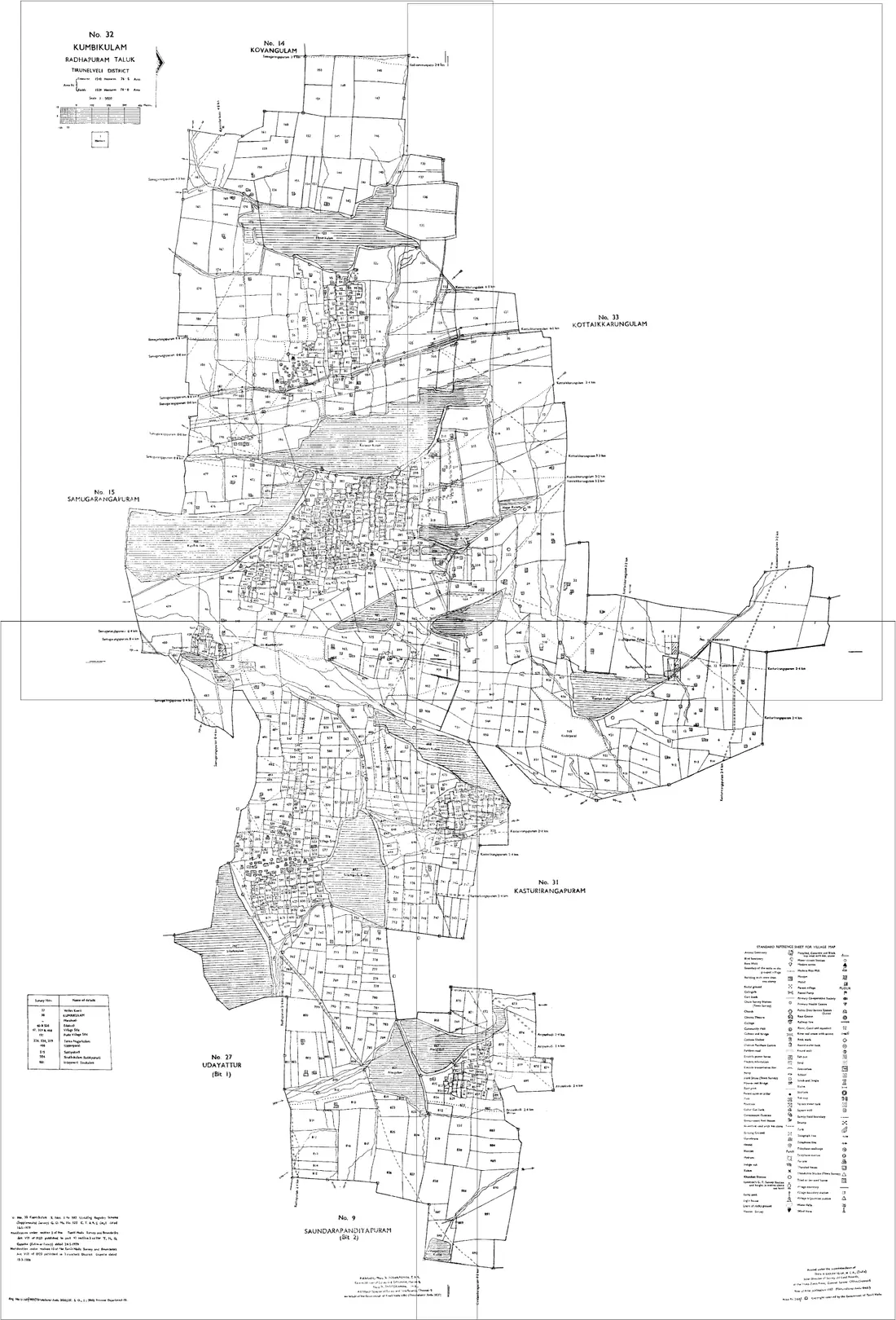
The cadastral map of one Mouza, showing every plot with its Dag number and boundaries. It is drawn across several sheets, so a holding near a sheet edge comes out cut, and land on a Mouza boundary needs the map of the next Mouza as well.
How to get it: Look for the Mouza on Jami Tripura, the state's land-records portal, or ask the revenue office for your sub-division. Quote the district, sub-division, Mouza and Dag numbers exactly as the Khatian gives them, and collect every sheet your plots fall on.
Khatian (record of rights)
The record of rights for a holding in a Mouza: the holder's name, the Khatian number, each Dag number in the holding and its area and classification. It says who holds the land in the revenue record; it does not draw it.
How to get it: Search Jami Tripura by district, sub-division and Mouza, using the Khatian or Dag number. A certified copy, which a bank, a registration or a court will ask for, comes from the revenue office.
Mutation
The change to the Khatian that records a transfer by sale, inheritance, gift or partition. Until it is made, the Khatian still names the previous holder whatever the registered deed says, so an out-of-date Khatian is the usual reason the record and the deed disagree.
How to get it: Applied for at the revenue office for the Mouza after registration or succession. Check the current Khatian on Jami Tripura, or with the office, before relying on it for a purchase.
Tribal land transfer restriction
The first thing to establish about a parcel in much of the state. The Tripura Land Revenue and Land Reforms Act restricts the transfer of land held by a member of a Scheduled Tribe to anyone who is not, and much of Tripura's area lies within the Sixth Schedule council, the TTAADC. A transaction that ignores the restriction is not merely irregular.
How to get it: Whether it applies to a specific plot, and what is permitted, is a question for the revenue office and an advocate. Establish it before commissioning a valuation or a survey, not after.
Districts & Sub-divisions in Tripura
Find your area, then open the editor to join its Mouza map sheets.
West Tripura
Sadar · Mohanpur · Jirania
Sepahijala
Bishalgarh · Sonamura · Jampuijala
Khowai
Khowai · Teliamura
Gomati
Udaipur · Amarpur · Karbook
South Tripura
Belonia · Santirbazar · Sabroom
Dhalai
Ambassa · Kamalpur · Longtharai Valley · Gandacherra
Unakoti
Kailashahar · Kumarghat
North Tripura
Dharmanagar · Kanchanpur · Panisagar
Reviews
Trusted across India 🇮🇳
Rated 5.0 out of 5 from 4 verified reviews
Incredible service for peace of mind!
I used this website to get a Joined FMB map, and the entire experience was seamless and fast. By combining individual sketches into one continuous view, it clearly illustrates how my property lines interact with adjacent plots. Having this definitive, highly accurate map leaves zero room for arguments and completely eliminates the risk of boundary disputes with neighbors. It is a fantastic platform that saves a lot of hassle—highly recommended!
Got my combined FMB from home — no office visits needed
VillageMapJoiner made joining my land's FMB sketches really easy — I got the combined map from home without running to any office. When I asked for the old FMB, they clearly guided me that it's available at the District Collector office. Good service.
Pricing
Self-service₹199 flat · 24 hours of full editor access
one-time: any number of sheets, same price
Join 2 sheets or 20, across as many Mouzas as you need, it stays ₹199.
- ✓Works with Jami Tripura Mouza map sheets
- ✓Unlimited edits & full-resolution downloads
- ✓24 hours of access · no subscription, no account
FAQ
Questions people in Tripura ask
- How do I join Mouza map sheets in Tripura?
- Note the district, sub-division and Mouza exactly as your Khatian spells them, and list the Dag numbers you hold. Collect the Mouza map sheet for each of them from Jami Tripura or the revenue office, open the Village Map Joiner editor, drag every sheet onto the canvas and align the shared boundary lines. Export one high-resolution PNG or print-ready PDF.
- What is the difference between the Khatian and the Mouza map?
- The Khatian is the text record: the holder, the Khatian number, each Dag number and its area. The Mouza map is the drawing that shows where those Dag numbers are and how their boundaries run. You usually need both, and only the map has to be joined.
- Can I join sheets from two different Mouzas?
- Yes. Any number of sheets can go on the same canvas, from one Mouza or several. Where a holding crosses a Mouza boundary, place the two Mouza maps side by side and line up the boundary they share.
- Are my Tripura land records uploaded anywhere?
- No. The editor renders, crops and joins the sheets entirely in your browser, so your Dag numbers and Khatian details never leave your device. Nothing is stored on a server.
Guides
Written for Tripura
Useful resources
- Jami Tripura, official Tripura land records ↗
- Stitch your own sheets in the editor →
- Tripura land & survey terms glossary →
Looking for a done-for-you service? Our team sources and stitches the sheets for you in Tamil Nadu only, see the Combined FMB Sketch service. In Tripura, the editor above does the job in your browser.